Christmas AI Video Generator
Choose a scene, add your photos and make a 5- or 10-second vertical Christmas video. Preview each template before you start.
Choose a templateWhich video can I make from my photo?
Compare the full previews, then choose your scene.
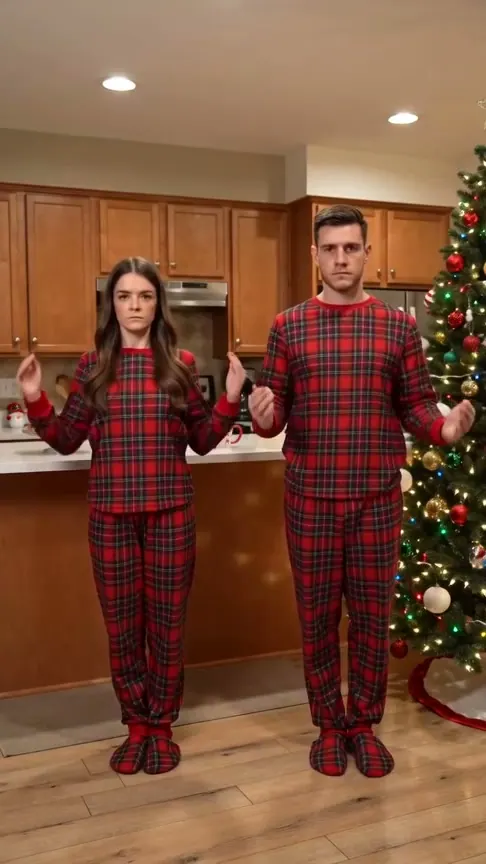 Hot10s · 9:16Christmas Pajama Dance
Christmas Pajama Dance
2 Photos · From 15 credits
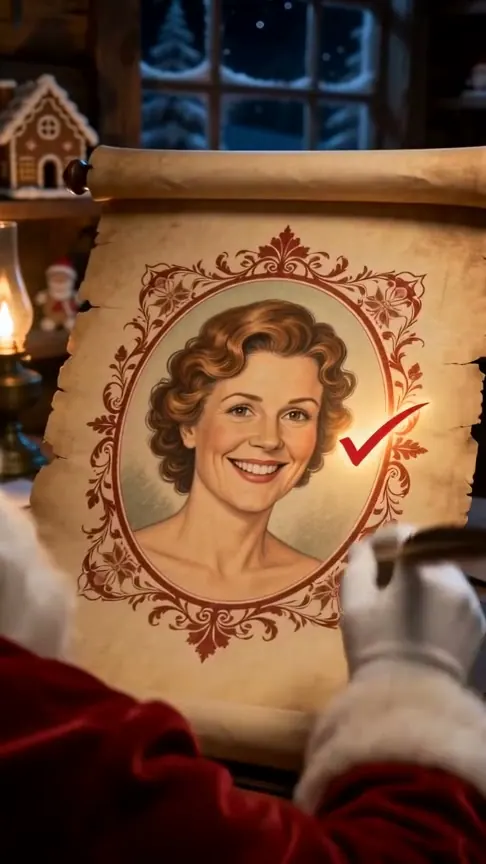 Seasonal10s · 9:16Santa Nice List
Santa Nice List
1 Photo · From 15 credits
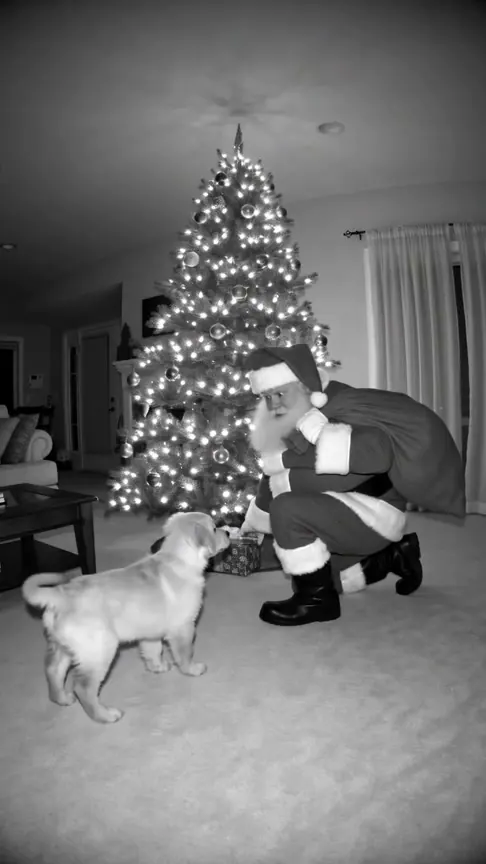 Seasonal10s · 9:16Santa Caught on Camera
Santa Caught on Camera
1 Photo · From 15 credits
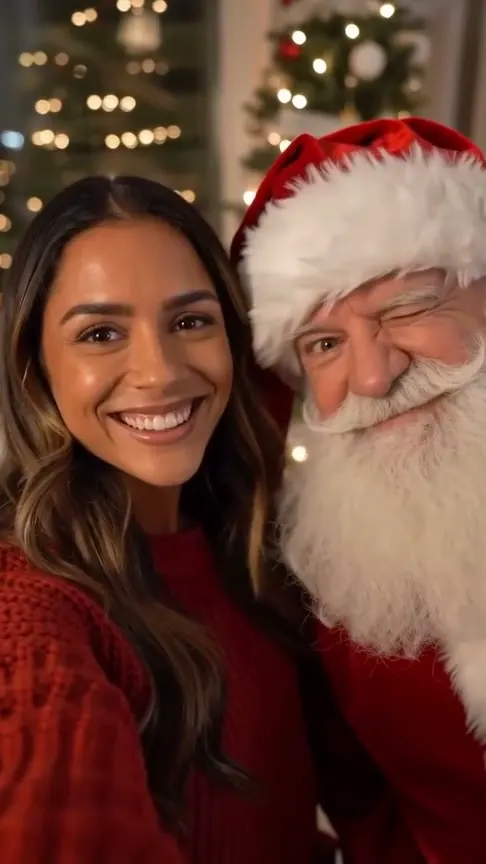 Seasonal10s · 9:16Selfie With Santa
Selfie With Santa
1 Photo · From 15 credits
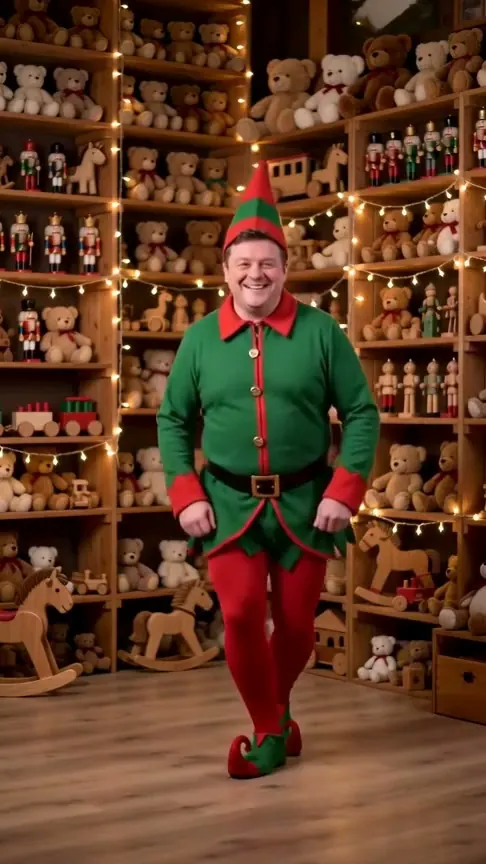 Seasonal10s · 9:16AI Elf Dance
AI Elf Dance
1 Photo · From 15 credits
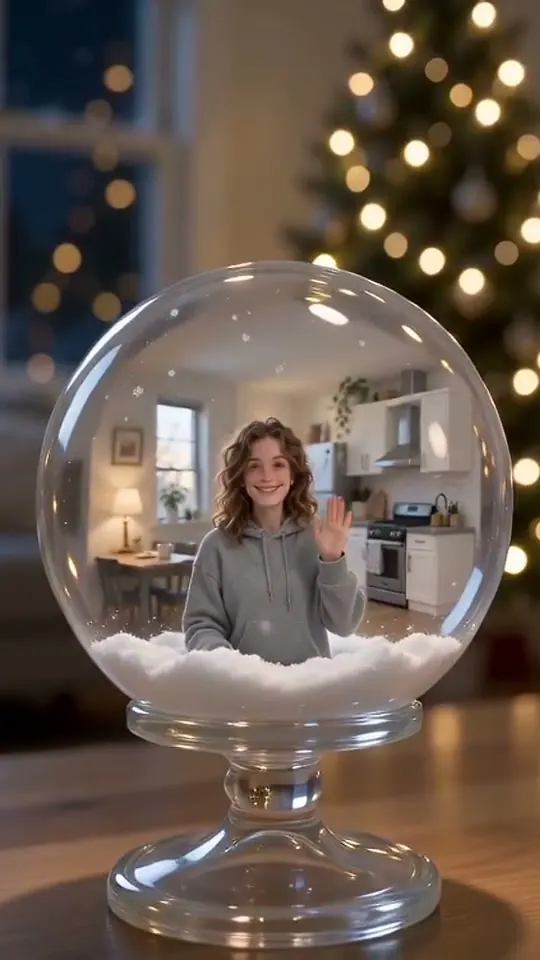 Seasonal5s · 9:16AI Snow Globe
AI Snow Globe
1 Photo · From 15 credits
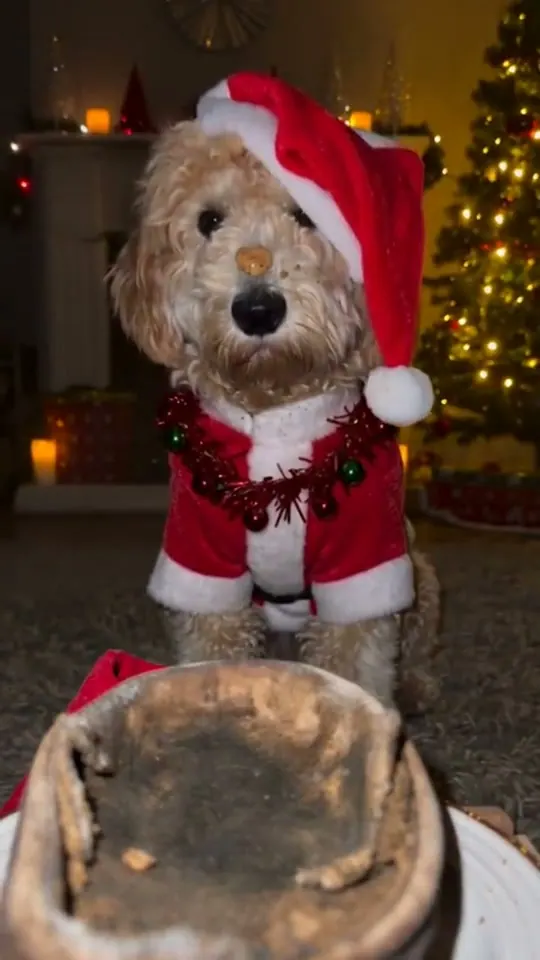 Seasonal5s · 9:16Pet Christmas Outfit
Pet Christmas Outfit
1 Photo · From 15 credits
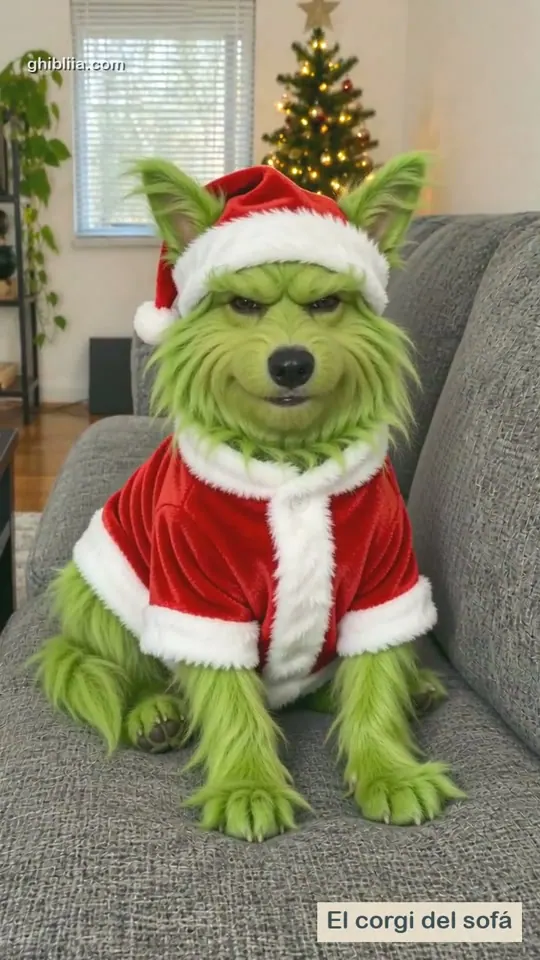 Seasonal5s · 9:16Grinch Pet AI
Grinch Pet AI
1 Photo · From 15 credits
What photos should I upload?
Use two adult photos for Pajama Dance, a dog photo for Caught on Camera and one adult photo for Elf Dance or Selfie With Santa. Nice List accepts an adult or pet portrait.
How do I make the video?
- Start with clear photos
Use one subject per photo. Keep faces visible and lighting even. Two-person templates use two separate uploads.
- Check the settings and cost
Choose a version and resolution. The generator shows the selected duration and total credit cost before you start.
- Save your finished video
Follow the task status in My videos, then download the finished MP4. If a task is uncertain, recover it before submitting again.
Compare photos, duration and starting credits
| Templates | Photo | Length | From · credits | Step-by-step template guide |
|---|---|---|---|---|
| Christmas Pajama Dance | 2 | 10s | 15 | Read guide |
| Santa Nice List | 1 | 10s | 15 | Read guide |
| Santa Caught on Camera | 1 | 10s | 15 | Read guide |
| Selfie With Santa | 1 | 10s | 15 | Read guide |
| AI Elf Dance | 1 | 10s | 15 | Read guide |
| AI Snow Globe | 1 | 5s | 15 | Read guide |
| Pet Christmas Outfit | 1 | 5s | 15 | Read guide |
| Grinch Pet AI | 1 | 5s | 15 | Read guide |
Each template shows its credit price before generation. Choose Standard or Premium and an available resolution to see the final quote. Guest checkout shows the amount before payment. Check the template page for current prices.
Pricing →Questions about this template
Which effect should I choose?
Choose Pajama Dance for a duo, Nice List for a portrait reveal, Caught on Camera for your dog, Selfie With Santa for a greeting or Elf Dance for a solo performance.
What photos should I upload?
Use two adult photos for Pajama Dance, a dog photo for Caught on Camera and one adult photo for Elf Dance or Selfie With Santa. Nice List accepts an adult or pet portrait.
How much does a video cost?
Each template shows its credit price before generation. Choose Standard or Premium and an available resolution to see the final quote. Guest checkout shows the amount before payment. Check the template page for current prices.
Are these examples guaranteed results?
Examples show the selected reference scene. Generated faces, motion and audio can vary. Review your finished video before sharing it; only upload photos you have permission to use.