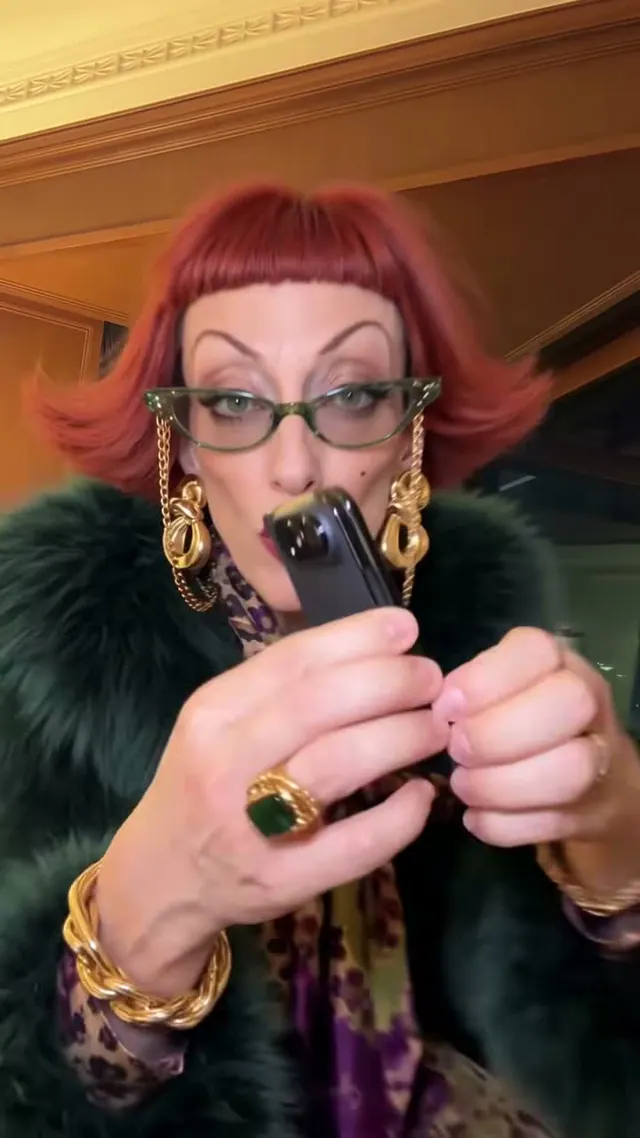
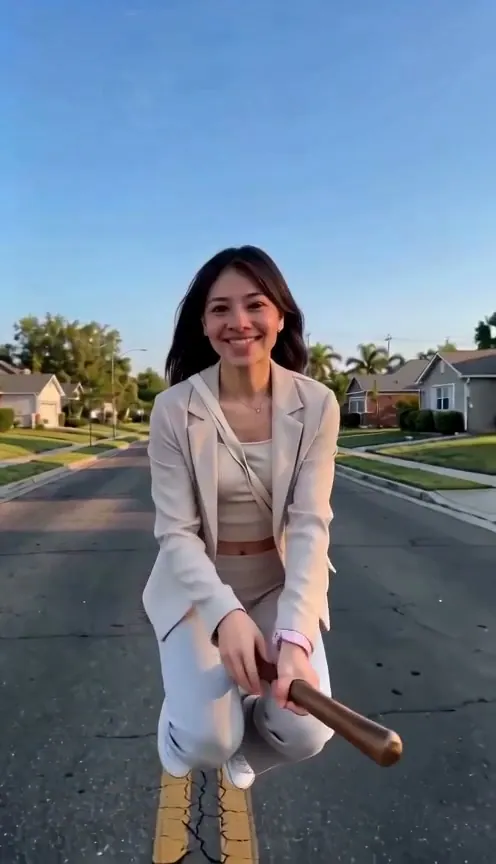
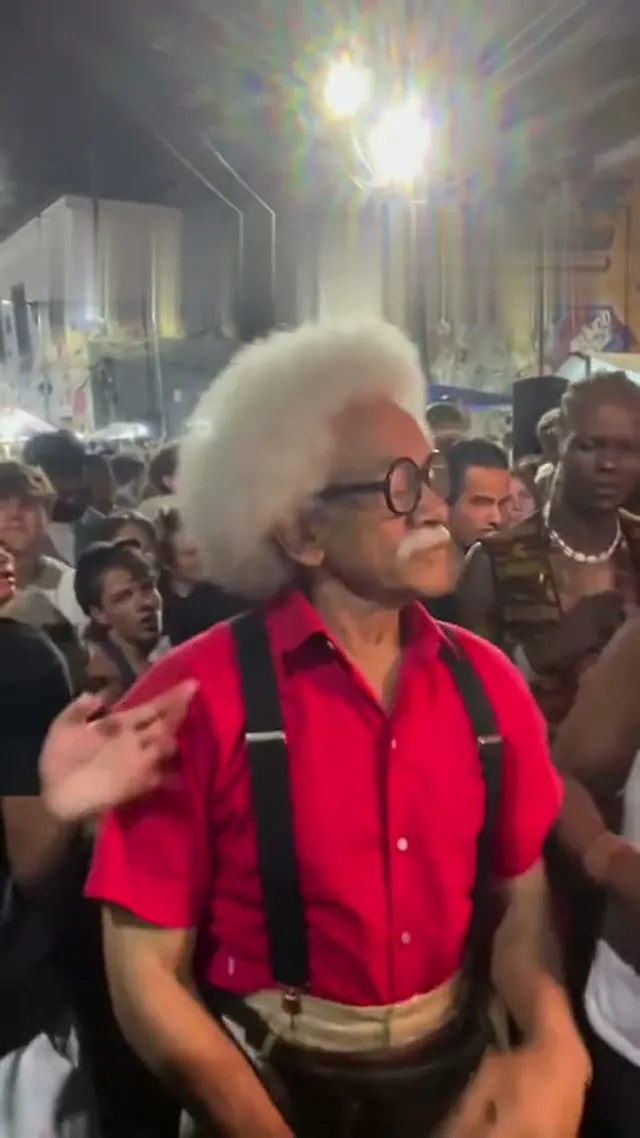
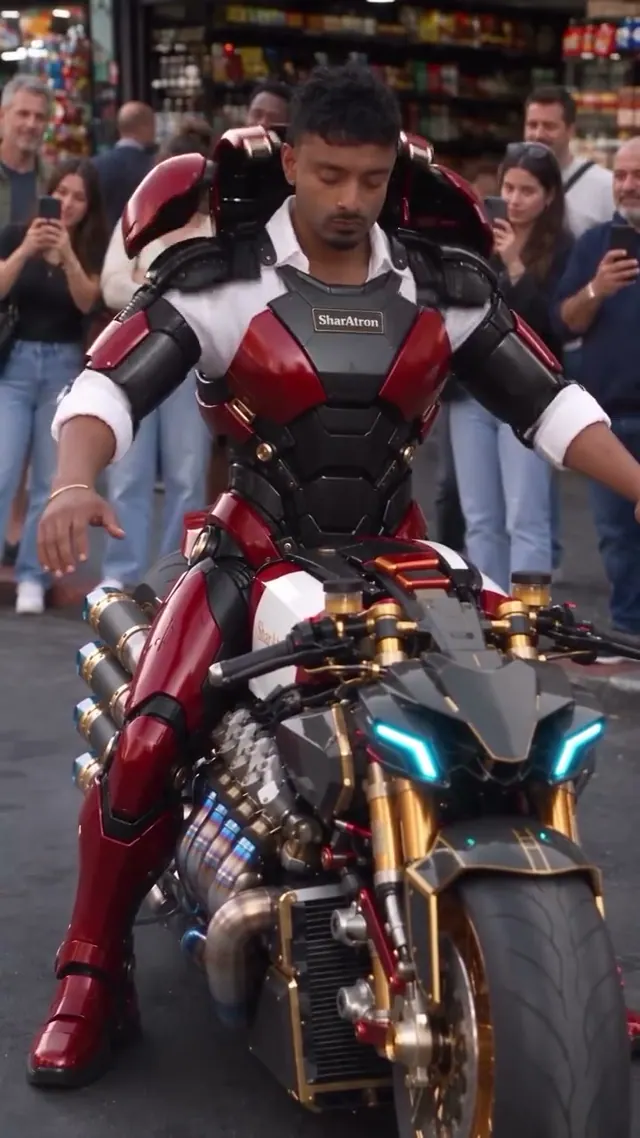
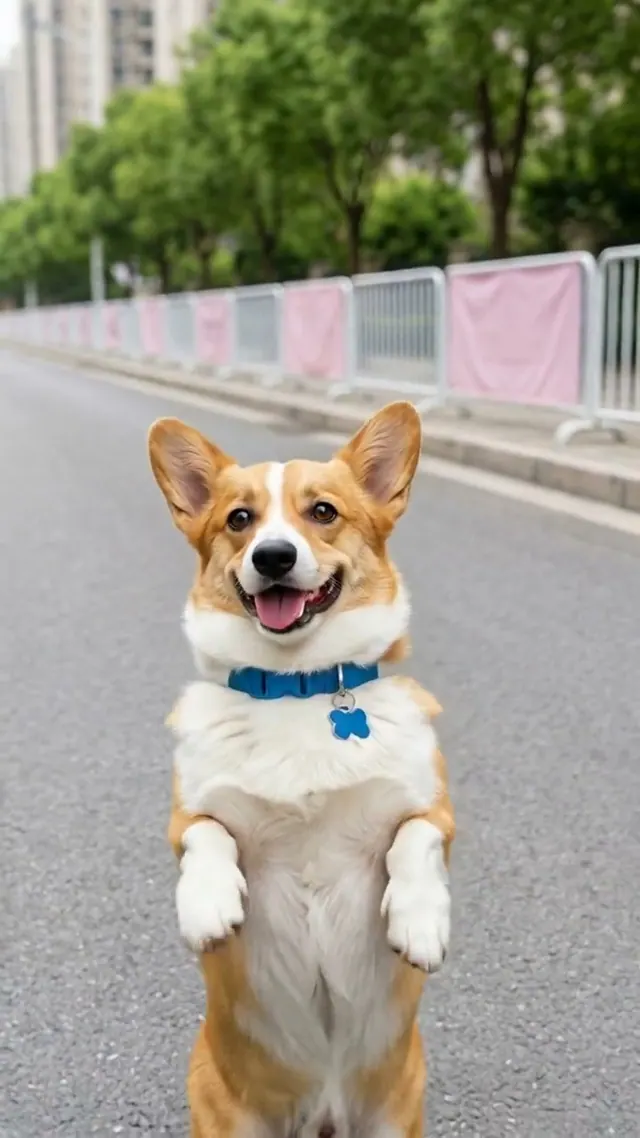
Upload clear photos
Upload one subject only: a single pet or person matching this template. Keep their face clear and avoid group photos.
Make a Window Peeper AI video from one photo. A night-time zoom finds you eating a burger at the window, staring back before pulling the curtain shut.
Start creatingUpload one clear photo of an adult, facing the camera, with the head, shoulders and arms visible. Keep the eyes unobstructed. No burger, window or background photo is needed. This release is for one adult, not a group or pet.
10s · Everyday creation · Reference-sample timing
Estimated time. Queues, model and video settings can affect the actual wait.
We’ll email you when your video is ready. Signed-in users receive a link to My creations; guests receive a private order link at checkout email.
Uploaded photos are kept for 7 days and finished videos for 30 days. Please download them in time.
To make a Window Peeper video with HuntClip, open this template and add 1 photo(s). Choose a version and quality, then generate a roughly 10-second 9:16 MP4 with sound and no watermark. Standard 480p uses 15 credits. You can sign in to spend credits or choose guest checkout with email delivery; the selected cash price is shown before payment. No prompt or editing is needed.
Estimated time. Queues, model and video settings can affect the actual wait.
Window Peeper is a suspense-comedy reversal: the viewer looks into a lit apartment, but the diner is already looking back. This complete 10-second reference starts outside the building, pushes toward one window, holds on the burger and stare, then ends when the curtain blocks the view. Your photo replaces only the adult inside; the room, window and camera sequence come from the reference.
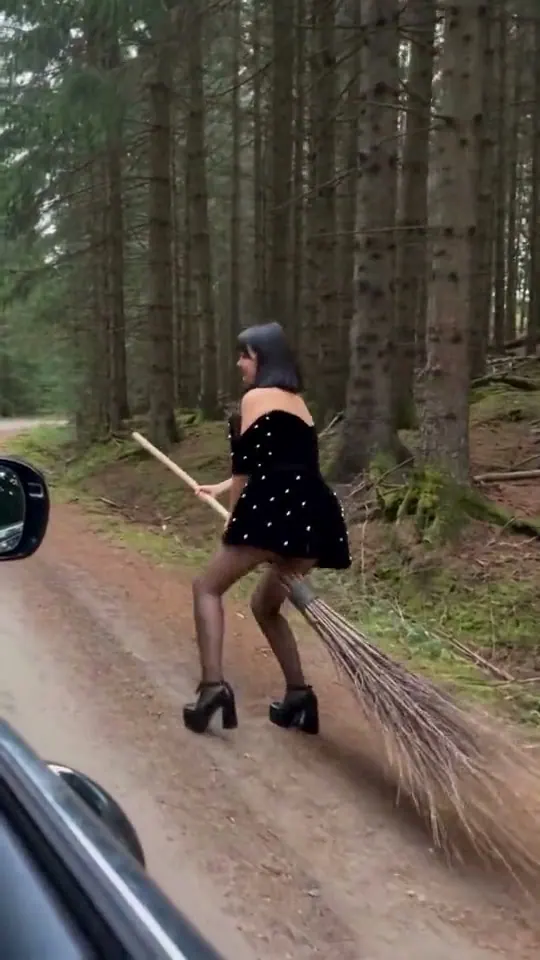
Choose this for a fictional nosy-neighbor joke, a deadpan reaction or a spooky Halloween post. Choose Witch Broom instead if you want outdoor action rather than a stare-and-curtain punchline.
Your photo supplies the subject identity; the template defines the scene and intended action. Preview references help explain the effect and do not guarantee an identical generated result.
Zoom from the apartment block into one lit window → Eat a burger and stare directly back at the camera → Lower the burger and pull the curtain shut
These describe the preset direction. Actual movements, shots, identity consistency and output duration vary with the selected model and photos.
Upload one subject only: a single pet or person matching this template. Keep their face clear and avoid group photos.
The template targets 10s. Standard starts at 15 credits and Premium at 25; check the selected quality before generating.
When the video is ready, download the MP4 and share it where you like. Source photos are kept for 7 days and finished videos for 30 days; download them in time.
Upload one clear photo of an adult, facing the camera, with the head, shoulders and arms visible. Keep the eyes unobstructed. No burger, window or background photo is needed. This release is for one adult, not a group or pet.
Use a recent, sharp photo. Keep eyes and facial features visible; avoid sunglasses, masks and heavy filters.
Choose a half-body or full-body photo for action scenes. For pets, include ears and paws where possible.
Avoid strong backlighting and deep shadows. A simple background makes the subject easier to identify.
For two-person templates, upload a separate photo for each role. Use your own photos or photos you have permission to use.
Find your next scene. Each template has its own photo guide, format and credit estimate.
To make a Window Peeper video with HuntClip, open this template and add 1 photo(s). Choose a version and quality, then generate a roughly 10-second 9:16 MP4 with sound and no watermark. Standard 480p uses 15 credits. You can sign in to spend credits or choose guest checkout with email delivery; the selected cash price is shown before payment. No prompt or editing is needed. Upload one clear photo of an adult, facing the camera, with the head, shoulders and arms visible. Keep the eyes unobstructed. No burger, window or background photo is needed. This release is for one adult, not a group or pet.
The reviewed example is silent. HuntClip generates sound for the scene; it does not promise the original laugh track or recording. This is fictional AI entertainment, not footage of a real neighbor.
Window Peeper is a suspense-comedy reversal: the viewer looks into a lit apartment, but the diner is already looking back. This complete 10-second reference starts outside the building, pushes toward one window, holds on the burger and stare, then ends when the curtain blocks the view. Your photo replaces only the adult inside; the room, window and camera sequence come from the reference.
Upload one clear photo of an adult, facing the camera, with the head, shoulders and arms visible. Keep the eyes unobstructed. No burger, window or background photo is needed. This release is for one adult, not a group or pet.
Choose this for a fictional nosy-neighbor joke, a deadpan reaction or a spooky Halloween post. Choose Witch Broom instead if you want outdoor action rather than a stare-and-curtain punchline.
Standard: 480p costs 15 credits and 720p costs 25. Premium: 480p costs 25, 720p costs 35, and 1080p costs 55. The selected price appears before submission. Failed generation returns the charged credits.
The current storyboard is 10 seconds at 9:16. Reviewed reference samples guide the timing; presets without verified source review remain provisional. The selected model must support this length; the story is never silently truncated.
No. Choose a template and upload the required photos. HuntClip prepares the video settings automatically.
Audio is generated with the video. Rhythm, speech and ambience may differ from the reference; the exact original recording, lyrics, voice and lip sync are not guaranteed. Review the finished video and use music you have permission to publish.
The current preview is a concept image, not a rendered video. Your uploaded photos are used to produce a new clip; results can vary.
Confirmed failed tasks refund their generation credits. If the provider result is uncertain, use Recover in the studio to check the existing task before trying again.
Yes. Once generation finishes, download the MP4 from the generator or your studio history.
We’ll email you when your video is ready. Signed-in users receive a link to My creations; guests receive a private order link at checkout email.
Templates use prepared creative instructions and, where available, reference video to guide actions and camera movement. AI generation can vary in identity, timing, motion and audio; exact character replacement or an identical soundtrack is not guaranteed. Multi-person and multi-shot scenes may need another attempt.
Zoom from the apartment block into one lit window → Eat a burger and stare directly back at the camera → Lower the burger and pull the curtain shut
Start creating