Photo to Video AI Templates
Photo to video AI uses a still image to define the subject of a moving scene. HuntClip lets you choose a complete reference performance, upload the required photos and select output quality. Browse adult dance, comedy, football and fantasy templates without writing a prompt.
Choose a templateWhich video can I make from my photo?
Compare the full previews, then choose your scene.
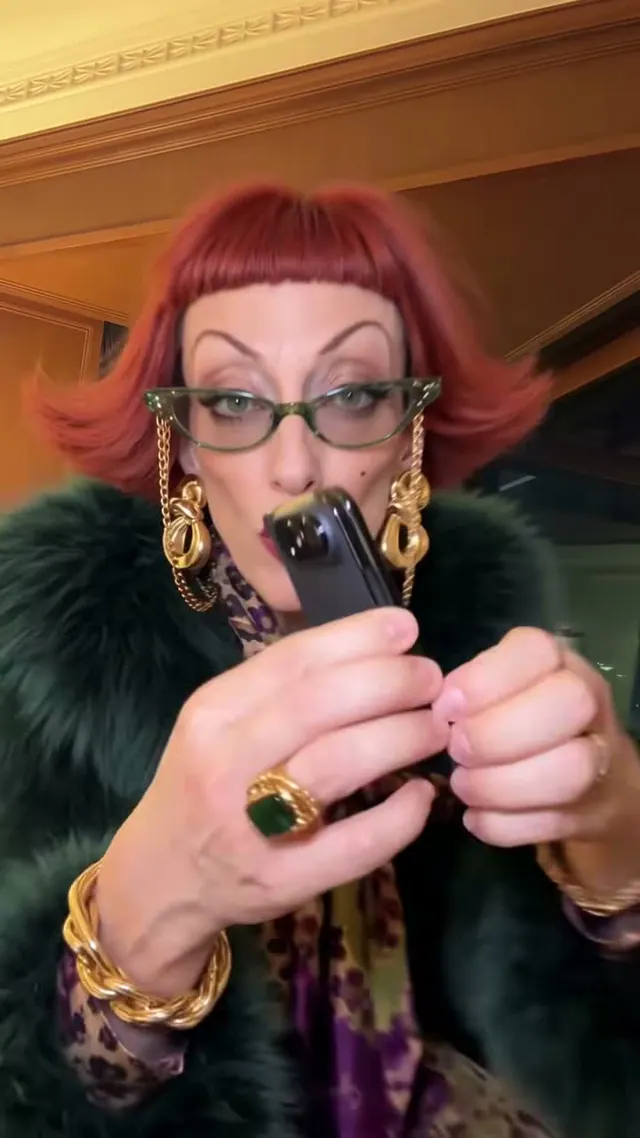 New15s · 9:16iPhone Kupi Dance AI
iPhone Kupi Dance AI
1 Photo · From 15 credits
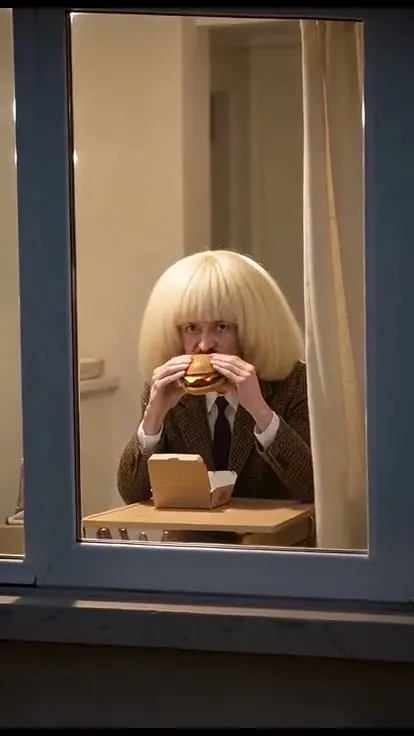 New10s · 9:16Window Peeper
Window Peeper
1 Photo · From 15 credits
 New12s · 4:3Check One Check Two
Check One Check Two
1 Photo · From 15 credits
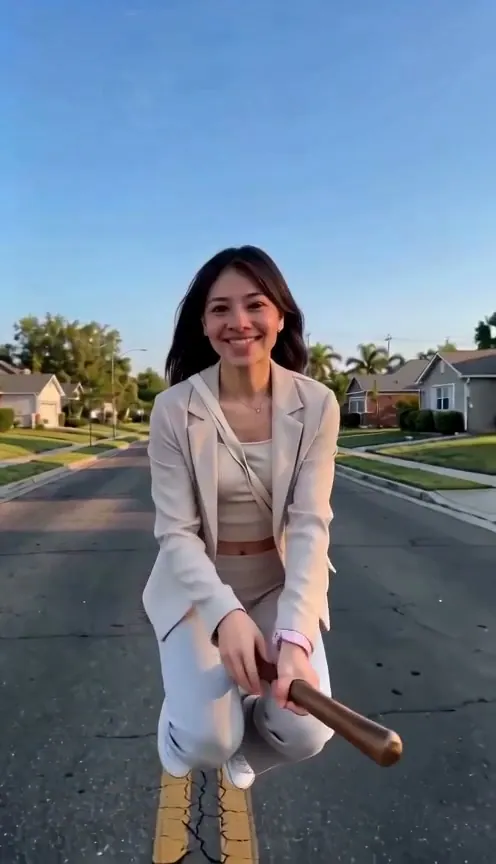 New15s · 9:16Witch Broom
Witch Broom
1 Photo · From 15 credits
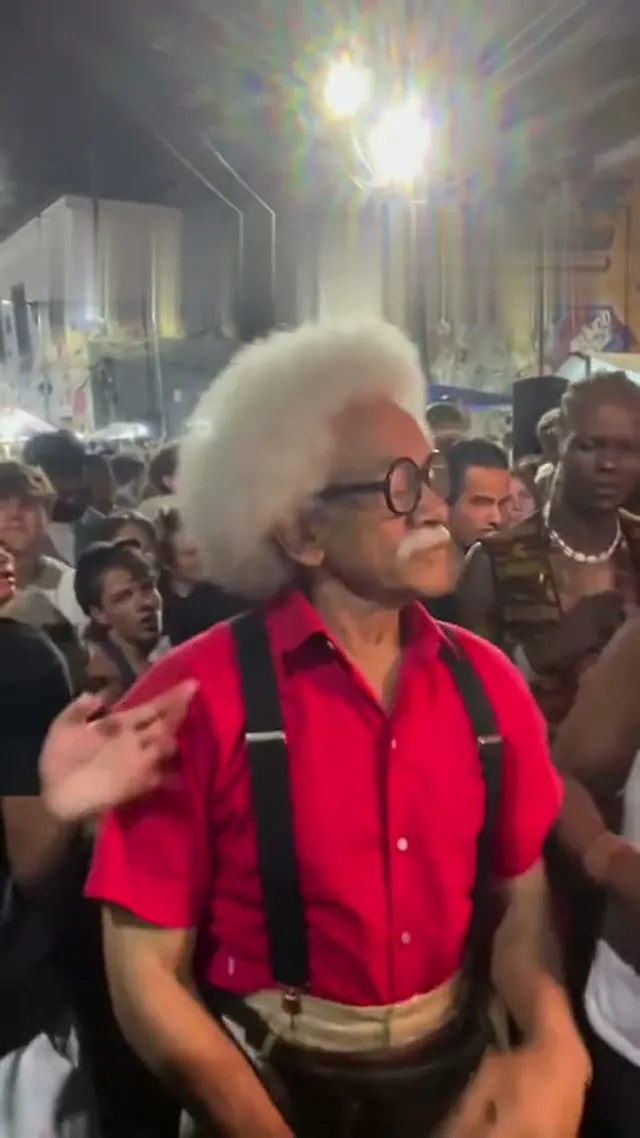 New15s · 9:16Charme Dance AI
Charme Dance AI
1 Photo · From 15 credits
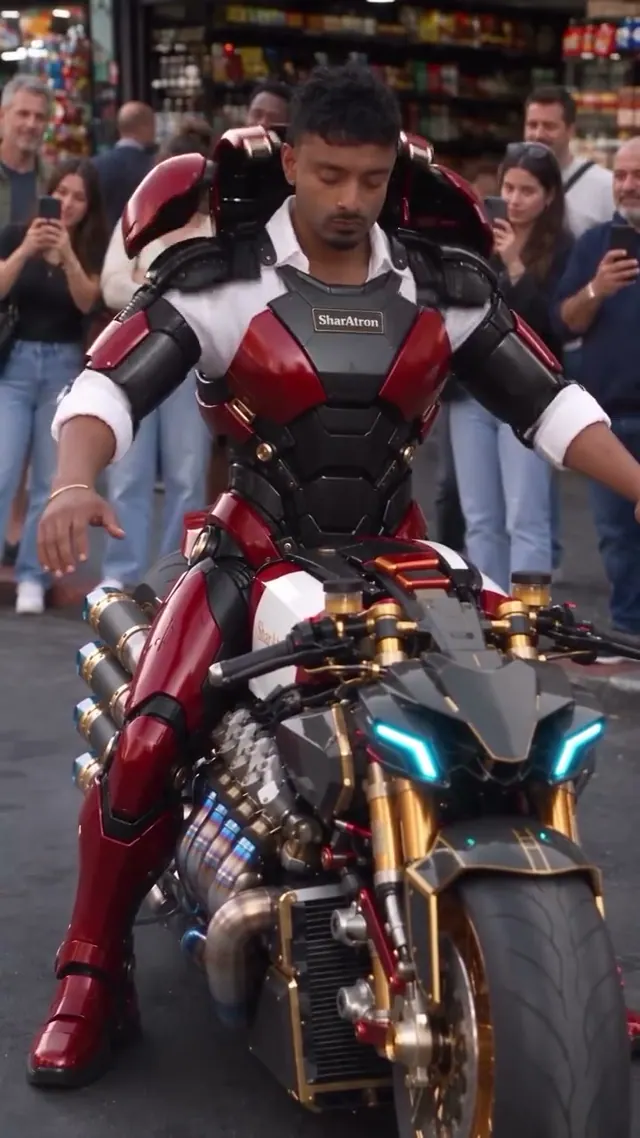 New15s · 9:16Bike Armour Transformation AI
Bike Armour Transformation AI
1 Photo · From 15 credits
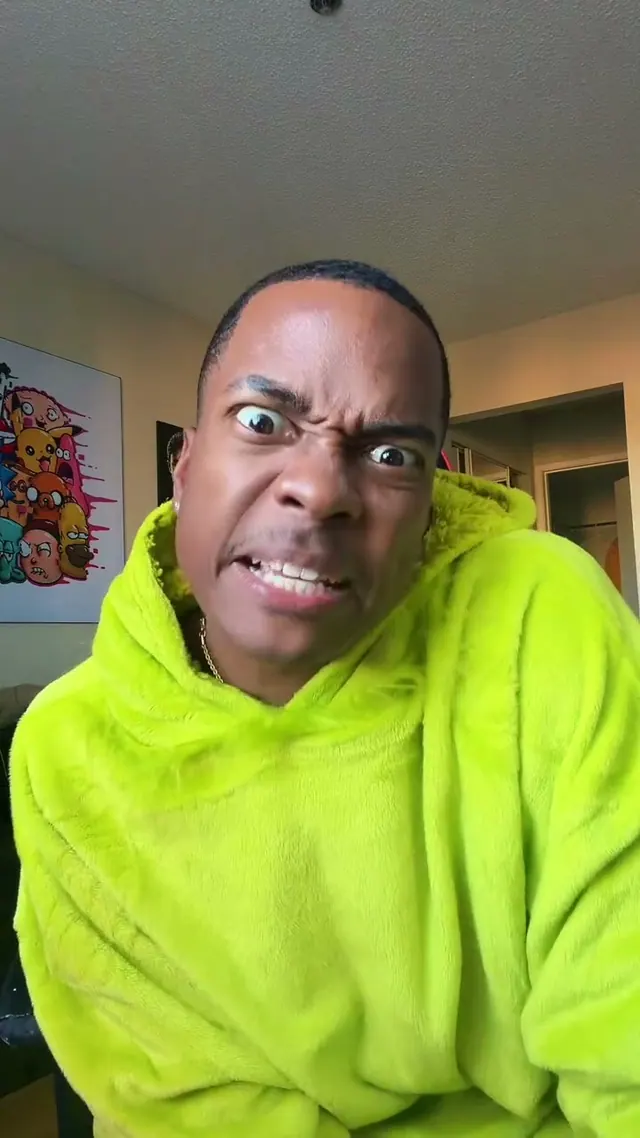 New11s · 9:16ABCDEFG I Need Money
ABCDEFG I Need Money
1 Photo · From 15 credits
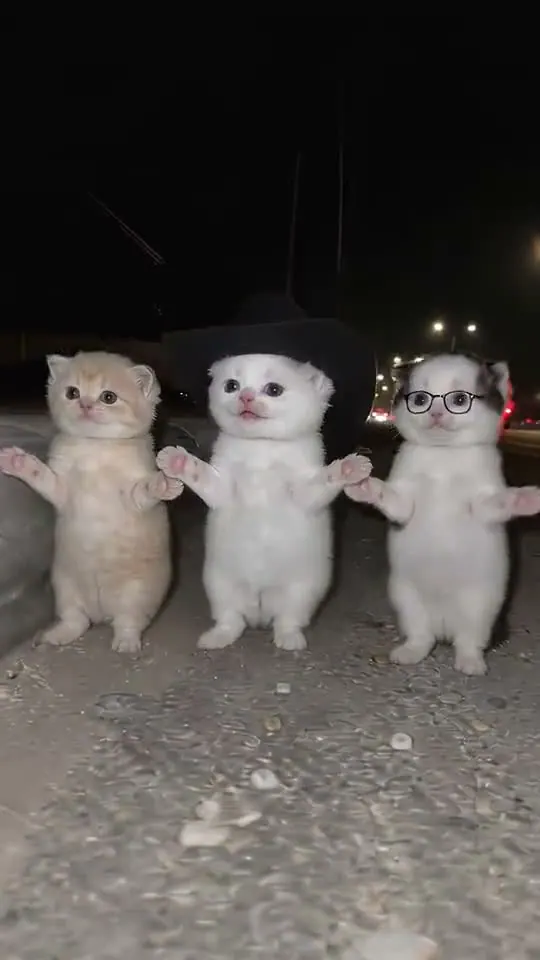 New14s · 9:16La Calabaza Dance
La Calabaza Dance
1 Photo · From 15 credits
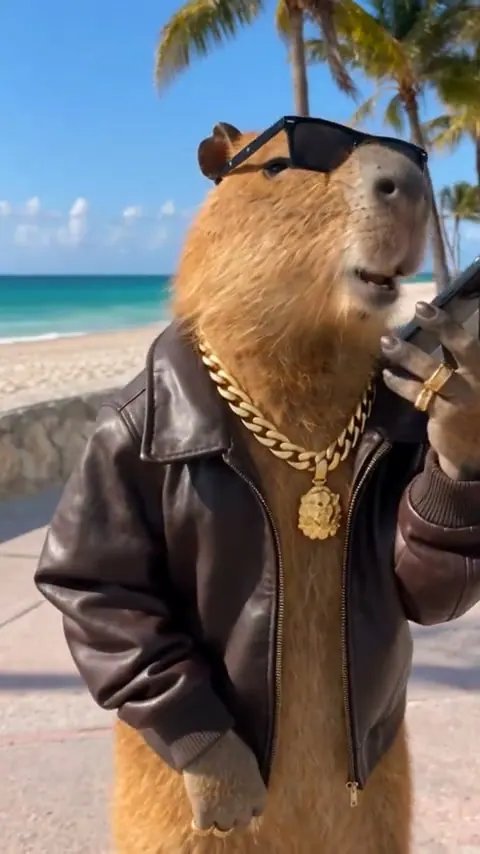 New12s · 9:16How I Become A Millionaire
How I Become A Millionaire
1 Photo · From 15 credits
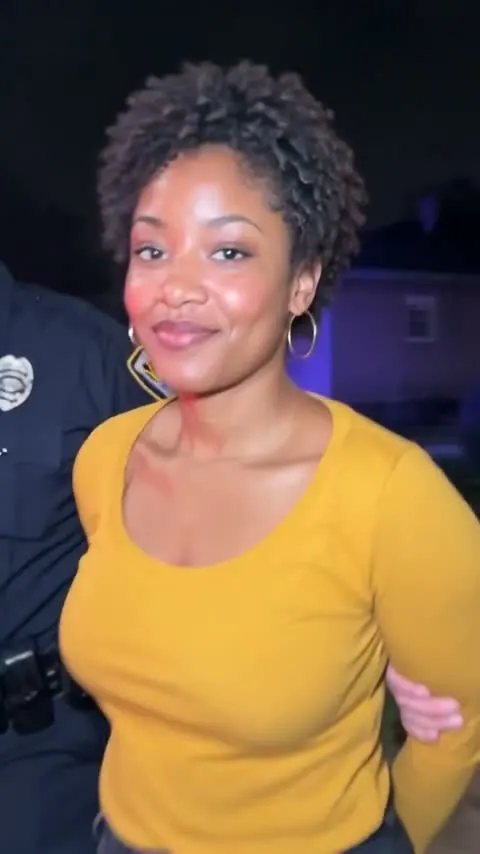 New8s · 9:16AI Arrest Trend
AI Arrest Trend
1 Photo · From 15 credits
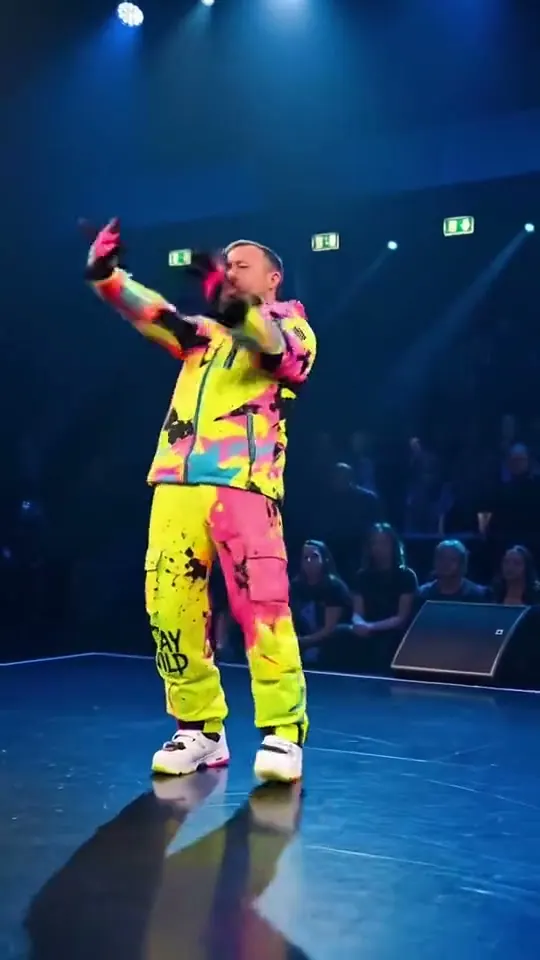 New15s · 9:16Gang Gang Dance
Gang Gang Dance
1 Photo · From 15 credits
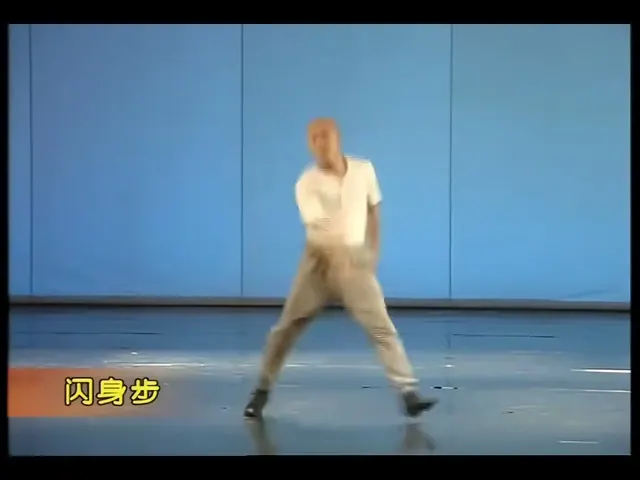 New10s · 4:3Shan Shen Bu / Flash Step
Shan Shen Bu / Flash Step
1 Photo · From 15 credits
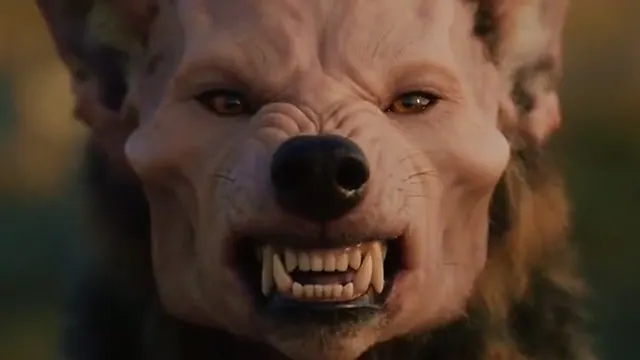 New10s · 16:9AI Werewolf Transformation
AI Werewolf Transformation
1 Photo · From 15 credits
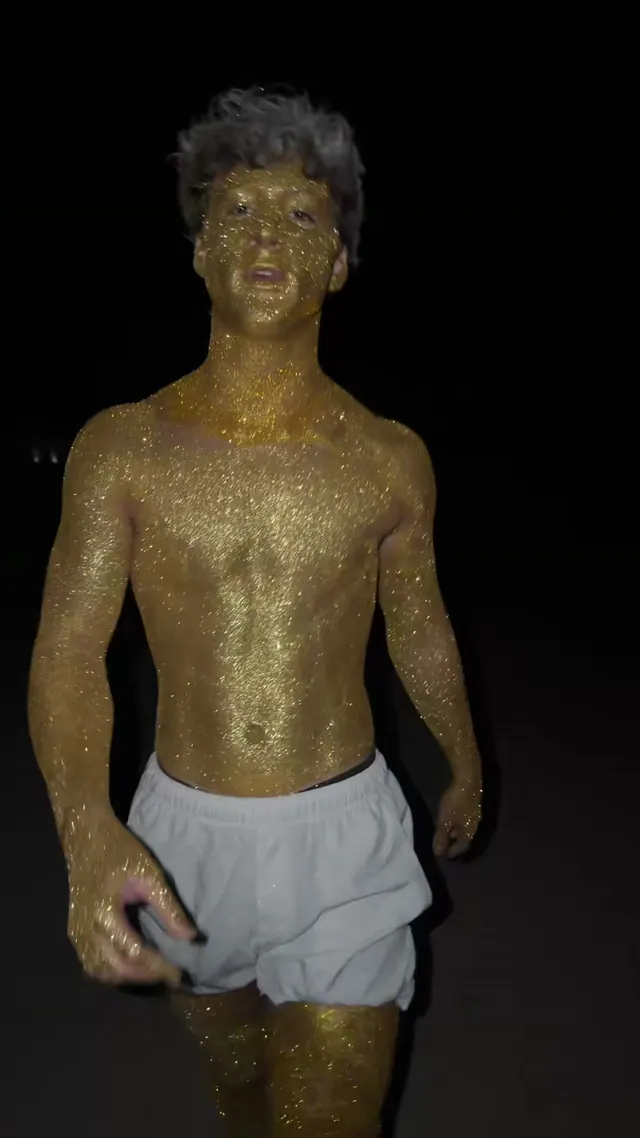 Seasonal12s · 9:16Ramalama Costume Walk
Ramalama Costume Walk
1 Photo · From 15 credits
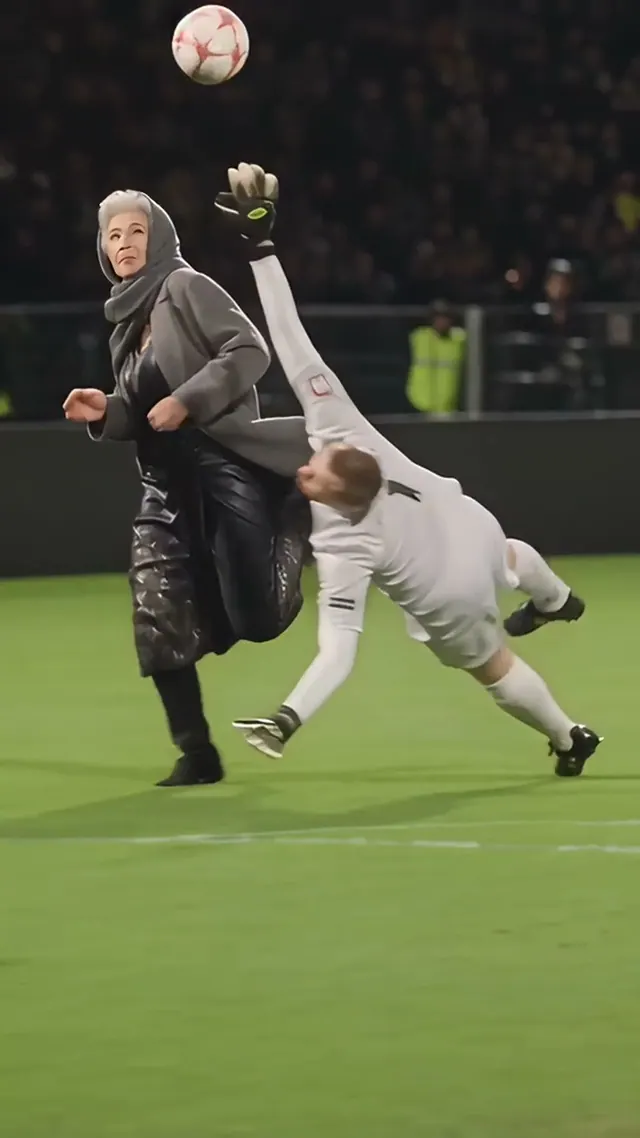 Featured15s · 9:16Ozil Goal AI
Ozil Goal AI
1 Photo · From 15 credits
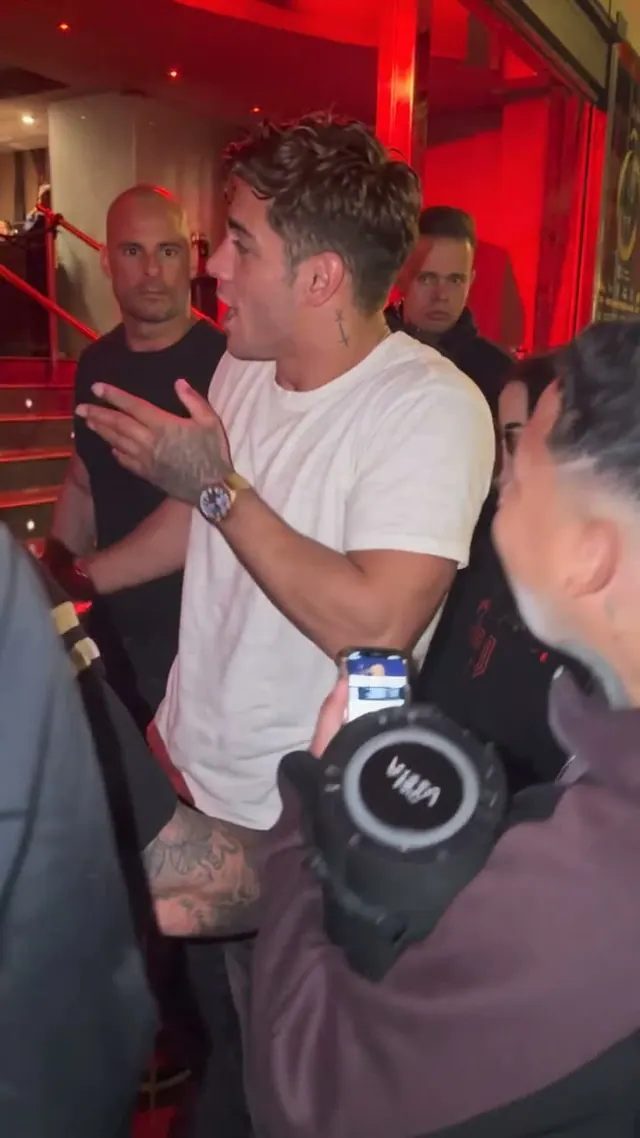 Featured14s · 9:16Bulin 47 AI
Bulin 47 AI
1 Photo · From 15 credits
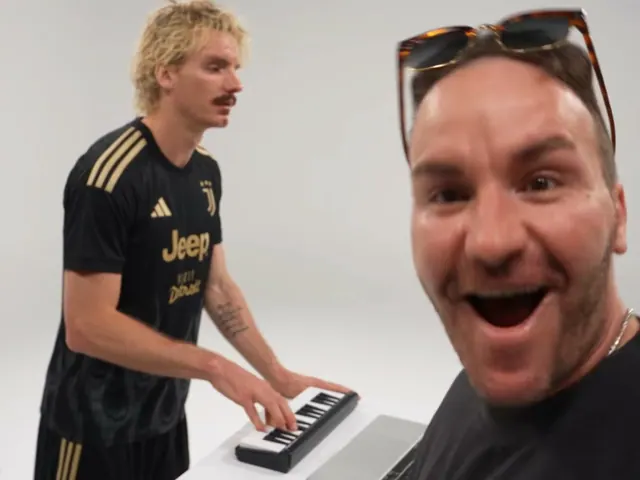 Classic15s · 4:3Alors on Danse AI
Alors on Danse AI
2 Photos · From 15 credits
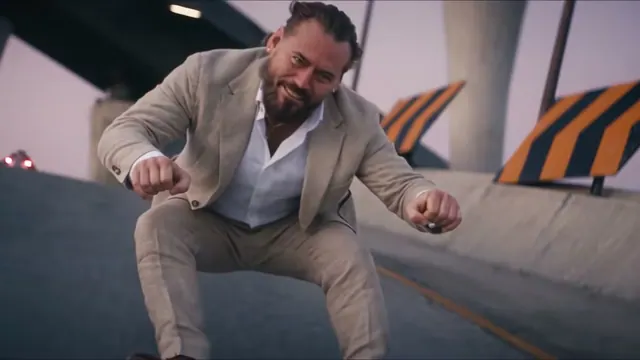 Classic15s · 16:9Crazy Frog AI
Crazy Frog AI
1–3 Photos · From 15 credits
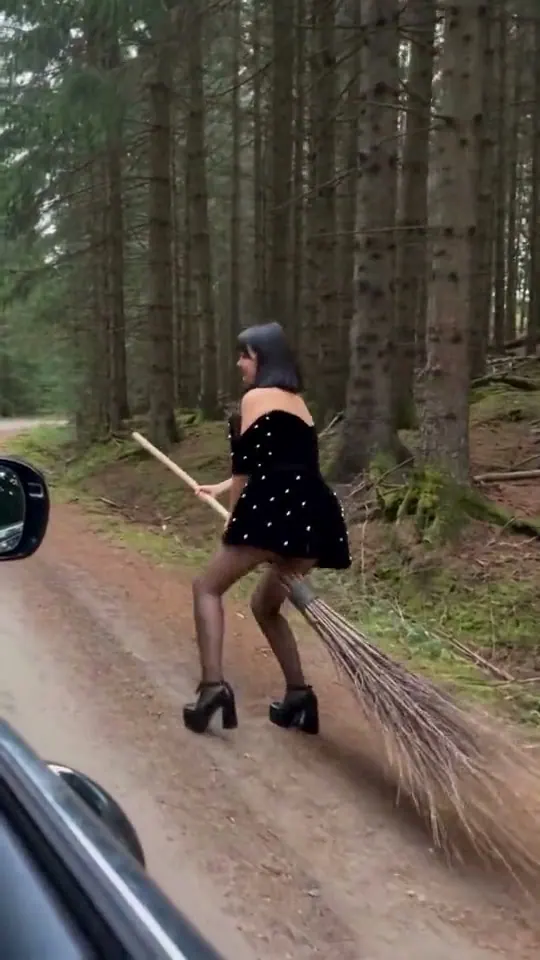 Seasonal10s · 9:16My Ride Is Here
My Ride Is Here
1 Photo · From 15 credits
What photos should I upload?
Use an adult photo you have permission to upload. Keep the face, hair and intended outfit clear. Read the cast labels: one-photo templates replace one selected subject, while multiple-photo scenes assign each upload a separate role.
How do I make the video?
- Start with clear photos
Use one subject per photo. Keep faces visible and lighting even. Two-person templates use two separate uploads.
- Check the settings and cost
Choose a version and resolution. The generator shows the selected duration and total credit cost before you start.
- Save your finished video
Follow the task status in My videos, then download the finished MP4. If a task is uncertain, recover it before submitting again.
Compare photos, duration and starting credits
| Templates | Photo | Length | From · credits | Step-by-step template guide |
|---|---|---|---|---|
| iPhone Kupi Dance AI | 1 | 15s | 15 | Read guide |
| Window Peeper | 1 | 10s | 15 | Read guide |
| Check One Check Two | 1 | 12s | 15 | Read guide |
| Witch Broom | 1 | 15s | 15 | Read guide |
| Charme Dance AI | 1 | 15s | 15 | Read guide |
| Bike Armour Transformation AI | 1 | 15s | 15 | Read guide |
| ABCDEFG I Need Money | 1 | 11s | 15 | Read guide |
| La Calabaza Dance | 1 | 14s | 15 | Read guide |
| How I Become A Millionaire | 1 | 12s | 15 | Read guide |
| AI Arrest Trend | 1 | 8s | 15 | Read guide |
| Gang Gang Dance | 1 | 15s | 15 | Read guide |
| Shan Shen Bu / Flash Step | 1 | 10s | 15 | Read guide |
| AI Werewolf Transformation | 1 | 10s | 15 | Read guide |
| Ramalama Costume Walk | 1 | 12s | 15 | Read guide |
| Ozil Goal AI | 1 | 15s | 15 | Read guide |
| Bulin 47 AI | 1 | 14s | 15 | Read guide |
| Alors on Danse AI | 2 | 15s | 15 | Read guide |
| Crazy Frog AI | 1–3 | 15s | 15 | Read guide |
| My Ride Is Here | 1 | 10s | 15 | Read guide |
Each template shows its credit price before generation. Choose Standard or Premium and an available resolution to see the final quote. Guest checkout shows the amount before payment. Check the template page for current prices.
Pricing →Questions about this template
Which effect should I choose?
Choose a dance for body movement, the ChatGPT millionaire meme for a phone-and-reaction story, or Ozil Goal for a football scene. For two characters, check Alors on Danse. Broom-flight scenes and armour transformations use different references, so compare the preview rather than the title alone.
What photos should I upload?
Use an adult photo you have permission to upload. Keep the face, hair and intended outfit clear. Read the cast labels: one-photo templates replace one selected subject, while multiple-photo scenes assign each upload a separate role.
How much does a video cost?
Each template shows its credit price before generation. Choose Standard or Premium and an available resolution to see the final quote. Guest checkout shows the amount before payment. Check the template page for current prices.
Are these examples guaranteed results?
Examples show the selected reference scene. Generated faces, motion and audio can vary. Review your finished video before sharing it; only upload photos you have permission to use.