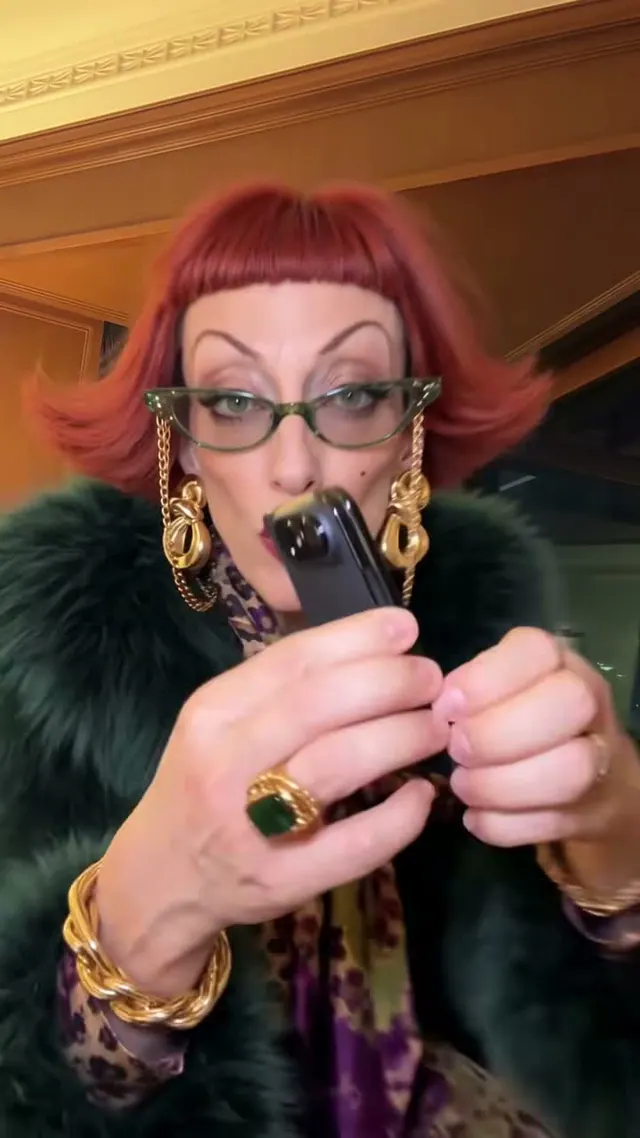
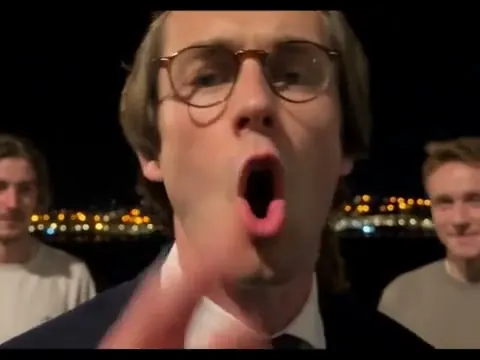
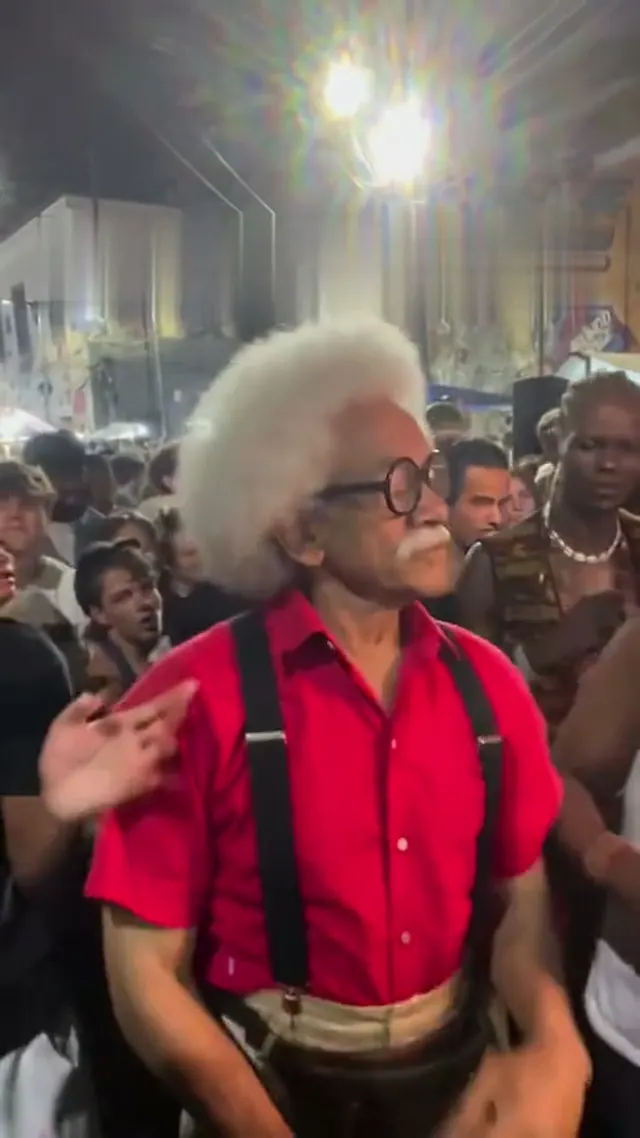
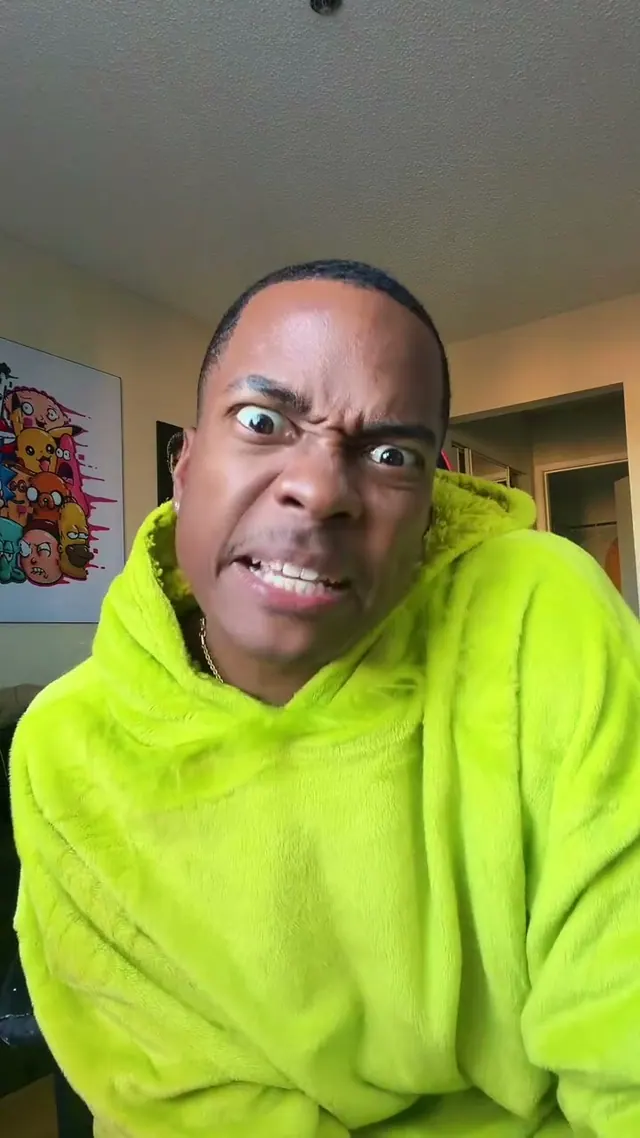
Upload clear photos
Upload two separate portraits: photo 1 is performer A and photo 2 is performer B. Both appear in the intended scene. Use photos you have permission to upload; role and identity consistency still need review.
Upload 2 photos to put yourself and a friend into the viral 365 brushed-steel elevator duo trend with synchronized poses and cool overhead lighting.
Start creatingUpload two separate clear front-facing portraits—Photo 1 for the right-side opener and Photo 2 for the left-side partner—with even lighting and unobstructed faces.
14s · Everyday creation · Reference-sample timing
Estimated time. Queues, model and video settings can affect the actual wait.
We’ll email you when your video is ready. Signed-in users receive a link to My creations; guests receive a private order link at checkout email.
Uploaded photos are kept for 7 days and finished videos for 30 days. Please download them in time.
To make a 365 Elevator AI video with HuntClip, open this template and add 2 photo(s). Choose a version and quality, then generate a roughly 14-second 4:3 MP4 with sound and no watermark. Standard 480p uses 15 credits. You can sign in to spend credits or choose guest checkout with email delivery; the selected cash price is shown before payment. No prompt or editing is needed.
Estimated time. Queues, model and video settings can affect the actual wait.
The 365 elevator edit pairs two people inside a minimalist brushed-steel elevator lit by cool overhead strips. The lead opens solo before the second partner steps into frame, creating a sleek deadpan duo moment made for best friends and couples.
Built for best-friend duos, couples, outfit-check edits, and viral 365 elevator remakes on TikTok, Instagram Reels, and YouTube Shorts.
Your photo supplies the subject. The template defines the scene and action.
Two portraits inside the iconic steel elevator—no studio, no editing.
These describe the preset direction. Actual movements, shots, identity consistency and output duration vary with the selected model and photos.
Upload two separate portraits: photo 1 is performer A and photo 2 is performer B. Both appear in the intended scene. Use photos you have permission to upload; role and identity consistency still need review.
The template targets 14s. Standard starts at 15 credits and Premium at 25; check the selected quality before generating.
When the video is ready, download the MP4 and share it where you like. Source photos are kept for 7 days and finished videos for 30 days; download them in time.
Upload two separate clear front-facing portraits—Photo 1 for the right-side opener and Photo 2 for the left-side partner—with even lighting and unobstructed faces.
Use a recent, sharp photo. Keep eyes and facial features visible; avoid sunglasses, masks and heavy filters.
Choose a half-body or full-body photo for action scenes. For pets, include ears and paws where possible.
Avoid strong backlighting and deep shadows. A simple background makes the subject easier to identify.
For two-person templates, upload a separate photo for each role. Use your own photos or photos you have permission to use.
Upload two separate portraits: photo 1 is performer A and photo 2 is performer B. Both appear in the intended scene. Use photos you have permission to upload; role and identity consistency still need review.
Upload two separate portraits: photo 1 is performer A and photo 2 is performer B. Both appear in the intended scene. Use photos you have permission to upload; role and identity consistency still need review.
Try a sharper photo with even lighting and an unobstructed face. Avoid small faces in a wide shot or heavily edited images.
Use two separate photos with distinct subjects and follow the photo slot order. Avoid group photos and pictures containing both people.
Use a permitted JPG, PNG or WebP with a clear subject. Review the upload notice. Failed generation returns credits automatically; check your credit history for the result.
Copy a line and make it your own.
Find your next scene. Each template has its own photo guide, format and credit estimate.
To make a 365 Elevator AI video with HuntClip, open this template and add 2 photo(s). Choose a version and quality, then generate a roughly 14-second 4:3 MP4 with sound and no watermark. Standard 480p uses 15 credits. You can sign in to spend credits or choose guest checkout with email delivery; the selected cash price is shown before payment. No prompt or editing is needed. Upload two separate clear front-facing portraits—Photo 1 for the right-side opener and Photo 2 for the left-side partner—with even lighting and unobstructed faces.
The 365 elevator edit pairs two people inside a minimalist brushed-steel elevator lit by cool overhead strips. The lead opens solo before the second partner steps into frame, creating a sleek deadpan duo moment made for best friends and couples.
Upload two separate clear front-facing portraits—Photo 1 for the right-side opener and Photo 2 for the left-side partner—with even lighting and unobstructed faces.
Built for best-friend duos, couples, outfit-check edits, and viral 365 elevator remakes on TikTok, Instagram Reels, and YouTube Shorts.
Standard: 480p costs 15 credits and 720p costs 25. Premium: 480p costs 25, 720p costs 35, and 1080p costs 55. The selected price appears before submission. Failed generation returns the charged credits.
The current storyboard is 14 seconds at 4:3. Reviewed reference samples guide the timing; presets without verified source review remain provisional. The selected model must support this length; the story is never silently truncated.
No. Choose a template and upload the required photos. HuntClip prepares the video settings automatically.
Audio is generated with the video. Rhythm, speech and ambience may differ from the reference; the exact original recording, lyrics, voice and lip sync are not guaranteed. Review the finished video and use music you have permission to publish.
Confirmed failed tasks refund their generation credits. If the provider result is uncertain, use Recover in the studio to check the existing task before trying again.
Yes. Once generation finishes, download the MP4 from the generator or your studio history.
We’ll email you when your video is ready. Signed-in users receive a link to My creations; guests receive a private order link at checkout email.
Templates use prepared creative instructions and, where available, reference video to guide actions and camera movement. AI generation can vary in identity, timing, motion and audio; exact character replacement or an identical soundtrack is not guaranteed. Multi-person and multi-shot scenes may need another attempt.
Two portraits inside the iconic steel elevator—no studio, no editing.
Start creating